






Print and organize PDF counting patterns (A4, A3, Apps)
In short: Print your PDF pattern at 100% / original size on A4 (or A3 if you want larger symbols), mark stitched squares with highlighters or parking, and use an app like Pattern Keeper to track your progress digitally. The paper size doesn't change the stitch size — it only changes how large the symbols appear on the printout.
Step 1: Print the pattern correctly
The most important setting is scaling:
- Select Original Size or scale to 100%.
- Never select "Fit to page" or "Shrink to page size" — this distorts the grid.
- Print the color key in color, even if the main chart is black and white.
The final size of your embroidery does not depend on the paper size, but on the Aida count (see Aida Count).
Step 2: A4 or A3?
- A4 works for most patterns up to approx. 150×200 stitches. You get 4–10 pages as a tile.
- A3 is a luxury for larger patterns (250×300+) — less turning pages.
- Print shop or copy shop for A3 prints — usually under €3 per pattern.
Step 3: Tape pages together
- Lay out the pages in the correct order (usually A1, A2, B1, ...).
- Cut off the overlap margin on one side.
- Tape the pages together on the back — painter's tape is gentle on paper.
- Or leave the pages loose and flip through them.
Step 4: Mark stitched squares
- Highlighter — lightly color over stitched squares. Inexpensive, quick.
- Parking — stitch one color over an area, needles "parked" in the fabric for later colors.
- Checklist — print the color key, tick off each color after completion.
Step 5: Work digitally with an app
- Pattern Keeper (Android) — Load PDF, tap squares to mark, with parking support. €10–15 one-time fee.
- Goodnotes / Apple Notes — free on iPad, fewer features.
- Stitch Buddy (iOS) — native alternative with good zoom function.
- Adobe Acrobat on iPad with Apple Pencil — mark squares directly in the PDF.
A 10" tablet is a real game-changer for large patterns — less paper, infinite zoom.
Step 6: Organize your pattern collection
- Cloud folder per project (Google Drive, Dropbox).
- Filenames like Project — Designer — Size.pdf.
- For printouts: Clear sleeves in a binder.
Looking for a good PDF pattern?
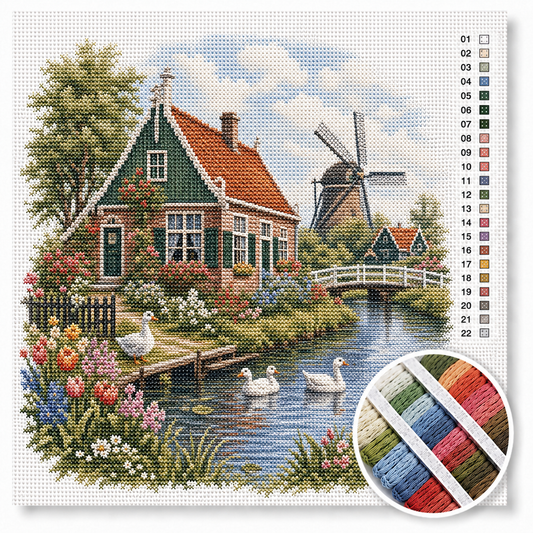
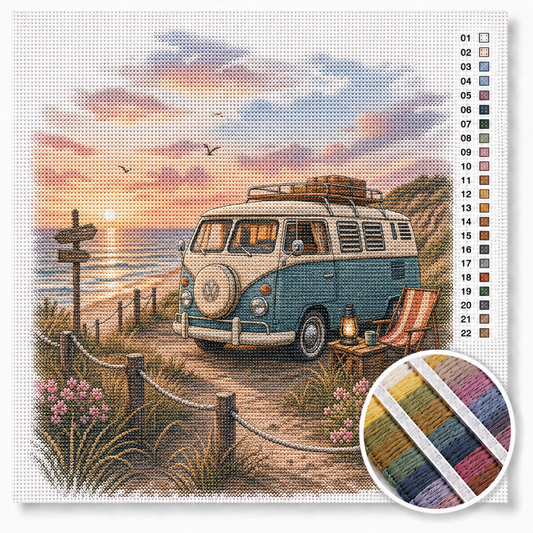
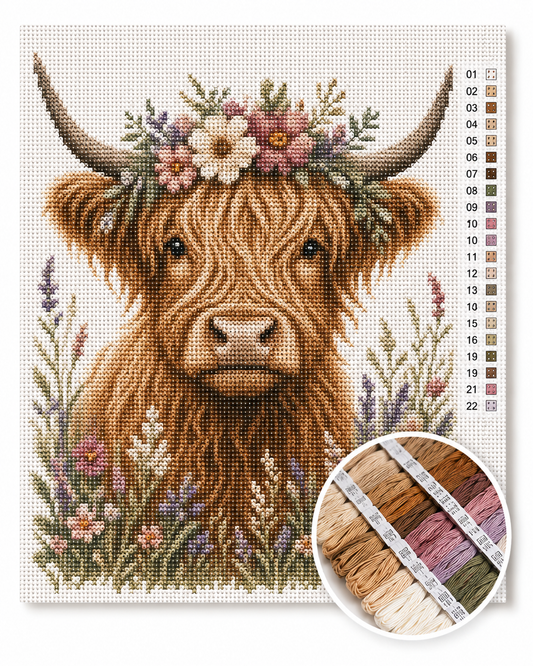
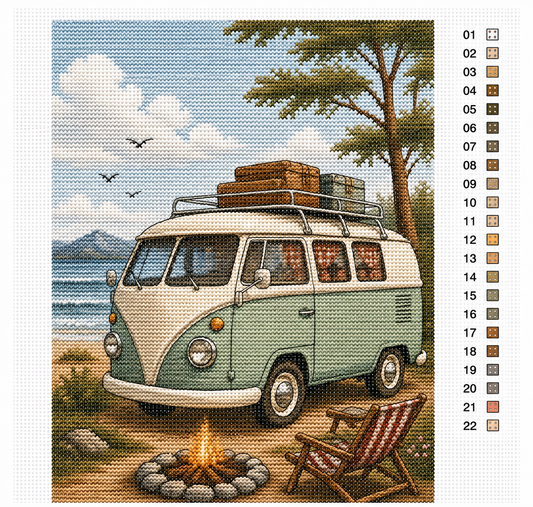
Our PDFs are designed for clean printing on A4 or A3 — available immediately.
Frequently Asked Questions
What size should I print a cross-stitch PDF?
At 100% / original size. The paper size (A4 or A3) only changes the symbol size, not the embroidered image.
Can I print a pattern in black and white?
Yes — the main chart is usually black and white anyway. Only print the color key in color.
Which app is best for tracking progress?
Pattern Keeper for Android is the standard. Stitch Buddy for iOS is the native alternative.
How do I assemble multi-page PDF patterns?
Lay out pages in order, cut the overlap margin from one page, tape on the back.
Are fabric and floss included in the PDF pattern?
No. PDF patterns are only charts — Aida and DMC you buy separately. You can find complete sets in our Embroidery Kits.
Summary
Printing PDF patterns correctly means: 100% scaling, A4 or A3 to your taste, and a marking system (highlighter or app) that you actually use. This way you always know where you are — and can concentrate on the next stitch.